Tracking Sessions on Apple Watch
Leave your phone in your bag. Start routes, count falls, and log sends from your wrist — with heart rate, height, and calories tracked automatically.
Step by Step
1
Pick the Climb Type
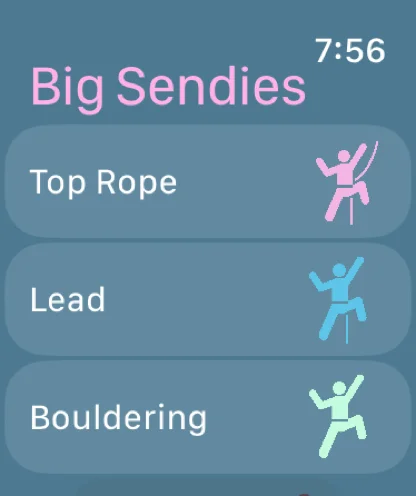
Open Big Sendies on your Apple Watch and tap Top Rope, Lead, or Bouldering. Your first route starts the session and an Apple Health workout.
2
Choose the Grade
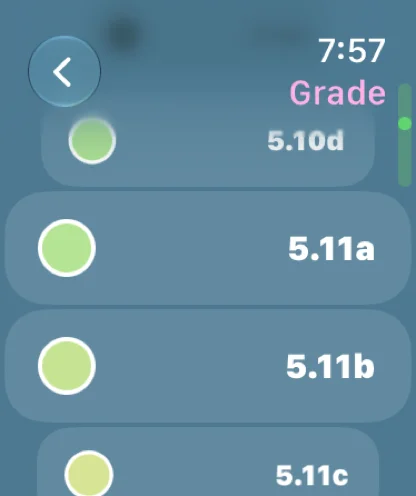
Scroll with the Digital Crown and tap the grade. The list follows the grade systems you set on your iPhone, including custom ones.
3
Start the Route
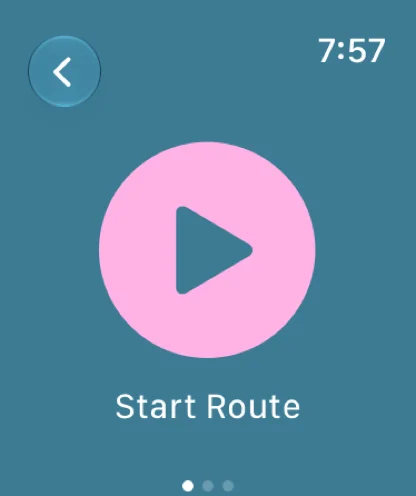
Tap Start Route when you're ready to climb.
4
Climb
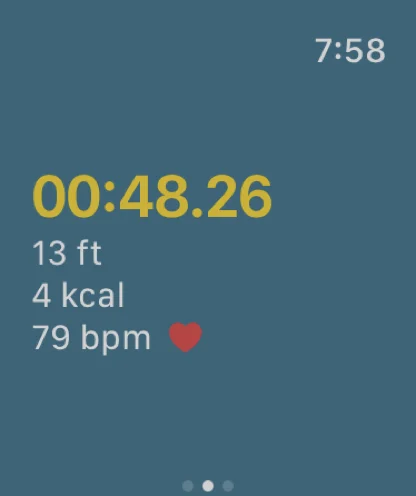
The watch times the route and shows your height, active calories, and heart rate as you go.
5
Finish the Route
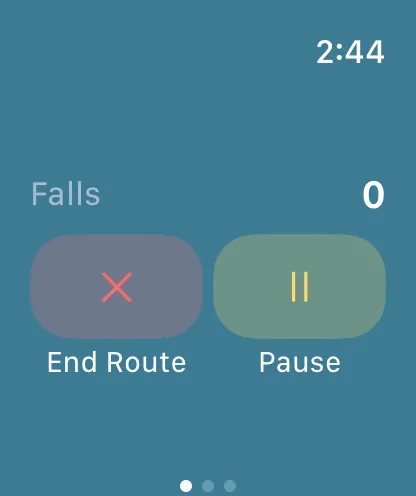
Swipe to the controls. Turn the Digital Crown to count falls, and tap Pause if you need a rest. When you're off the wall, tap End Route.
6
Log How It Went
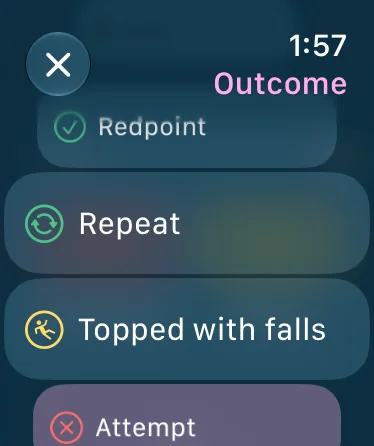
Pick the outcome: Onsight, Flash, Redpoint, Repeat, Topped with Falls, or Attempt (Flash, Top, Repeat, or Project for boulders). If you counted falls, only the outcomes that still fit are offered (what each one means). Then pick the next climb type and grade.
7
End the Session
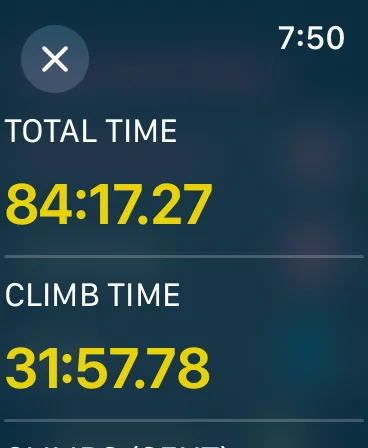
When you're done, tap End Session on the watch's main screen. You'll see a summary of your time, routes sent, height, calories, and average heart rate — and the session syncs to your iPhone and saves to Apple Health.