Recording a Missed Session
Forgot to start a session at the gym? Add it afterwards with the day and time you climbed, then log each climb from memory.
Step by Step
1
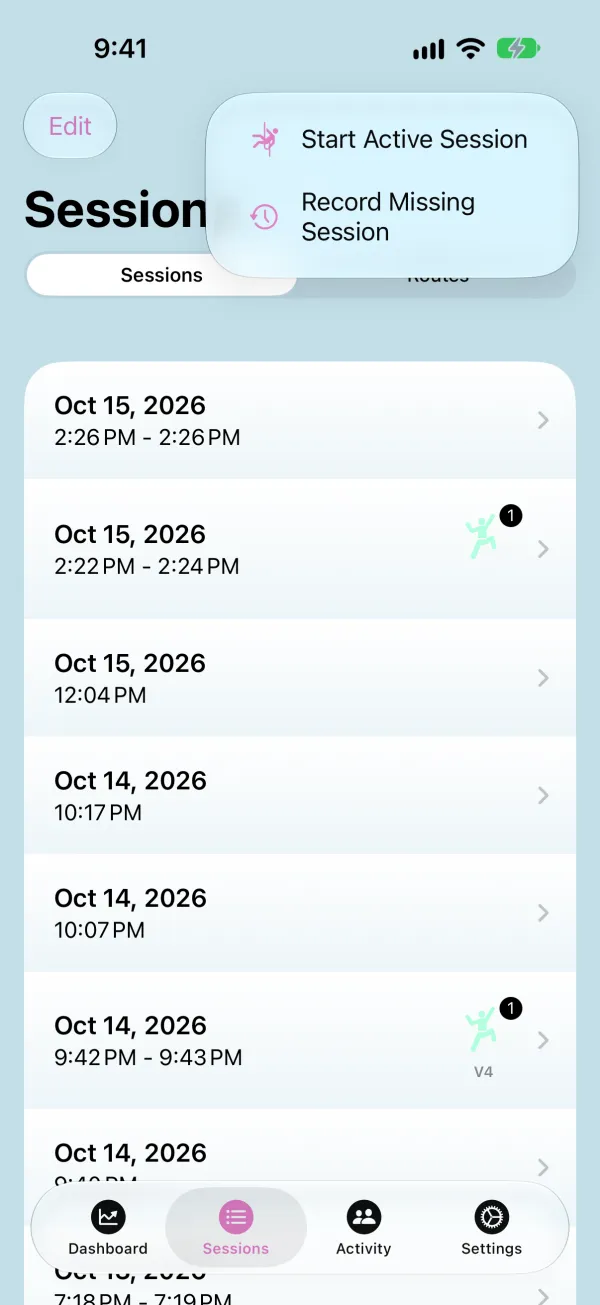
Open the + Menu
On the Sessions tab, tap + and choose Record Missing Session.
2
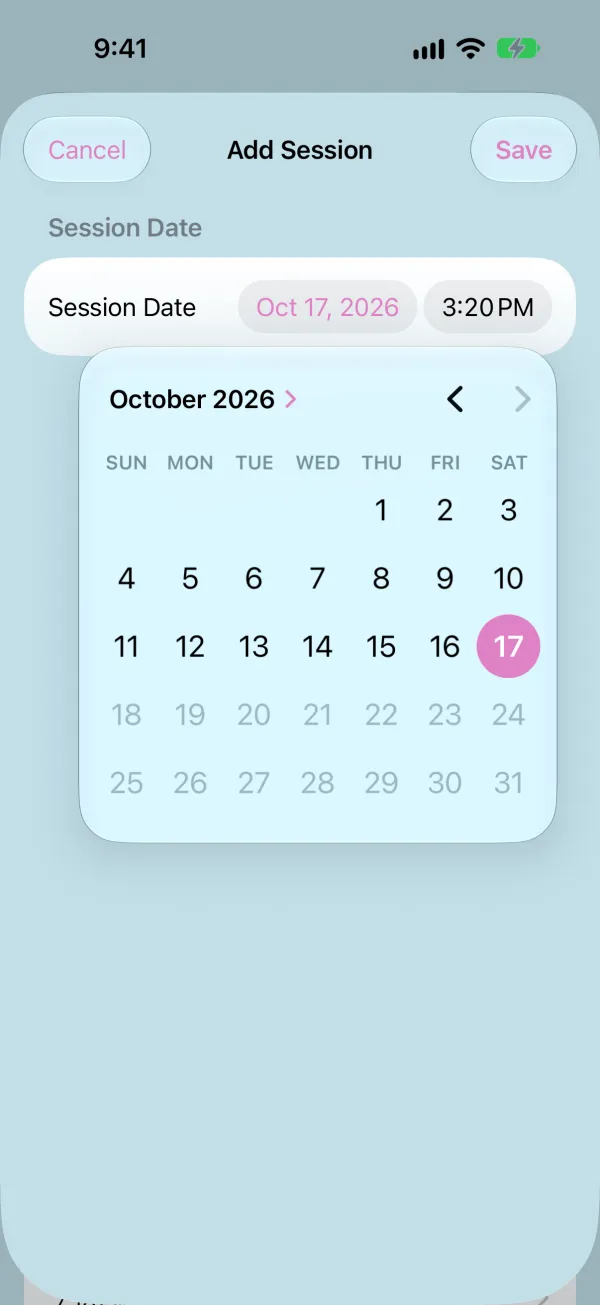
Set When You Climbed
Tap the date to pick the day, set the time you started, then tap Save. Only dates up to today can be picked.
3
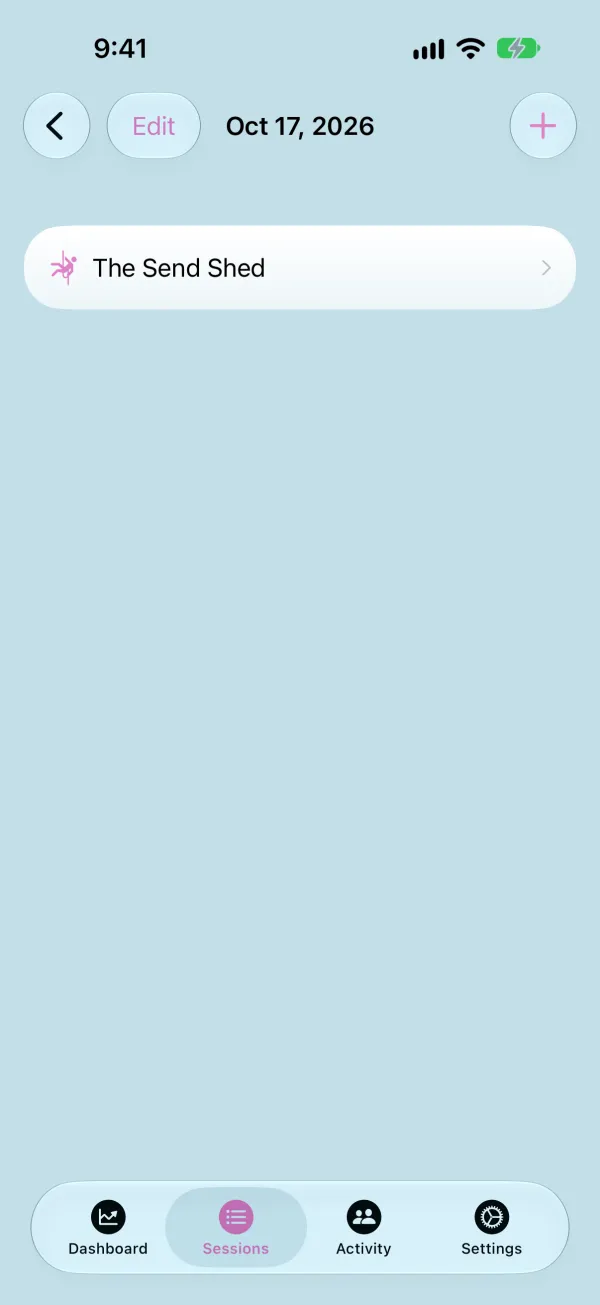
Open the Session
The new session shows in your list by its date. Open it and tap Select Location to choose your gym, so you can attach routes to its climbs.
4
Add a Climb
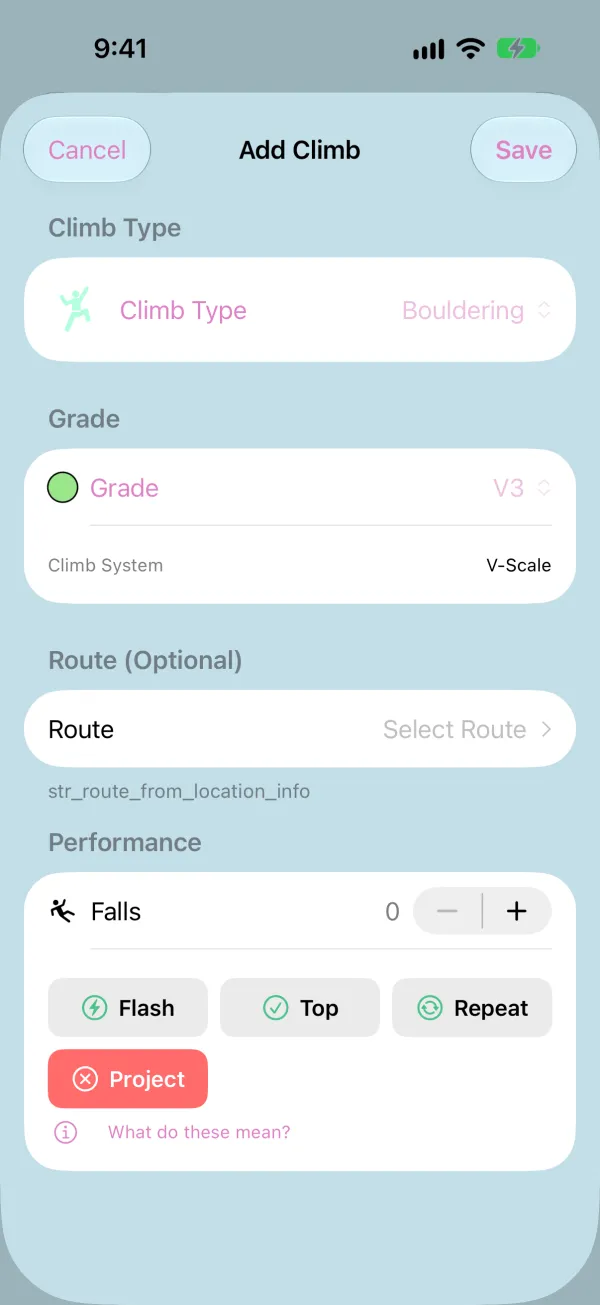
Tap + to open Add Climb. Choose the climb type and grade, and the route if you remember which one it was.
5
Falls and Outcome
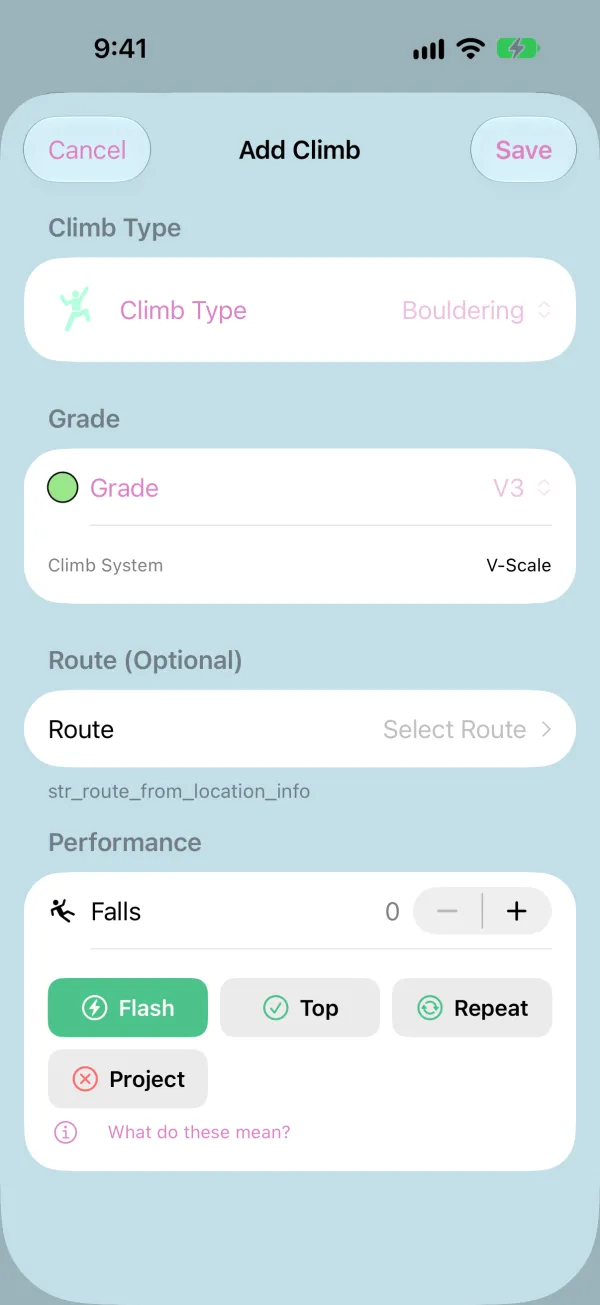
Under Performance, set your falls and pick how the climb went, like Flash, Top, or Project. Tap Save, then repeat for each climb.
6
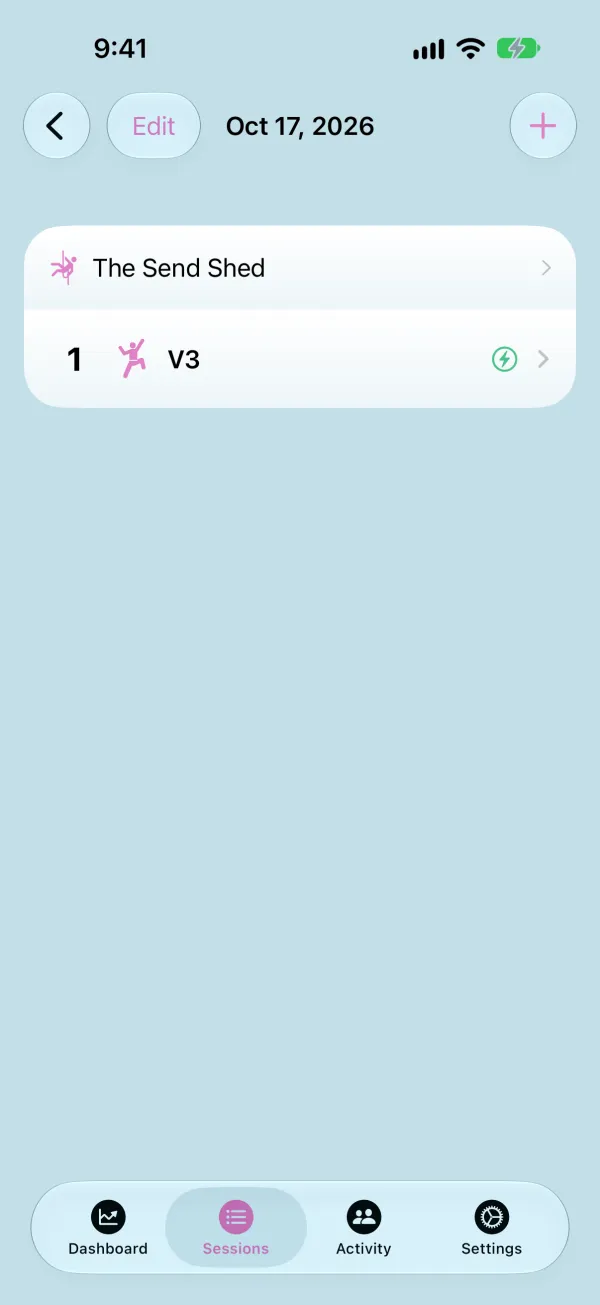
Check the Session
Your climbs are listed in the session and count toward your Dashboard stats. A recorded session has no timer, heart rate, or height data, since nothing was tracking while you climbed.