Your Route Logbook
Every route you add to a climb lands in your logbook, so you can check what you've already sent.
Step by Step
1
Open Routes
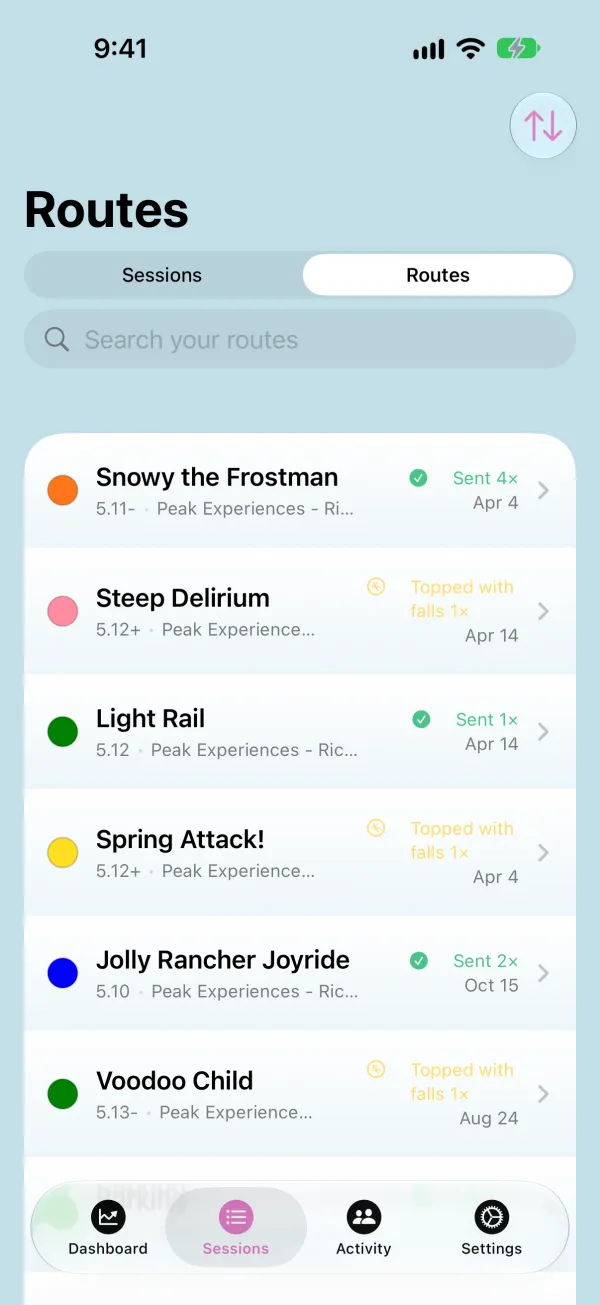
On the Sessions tab, switch to Routes. Each route shows its grade and gym, and how many times you sent it, topped it with falls, or tried it.
2
Search and Sort
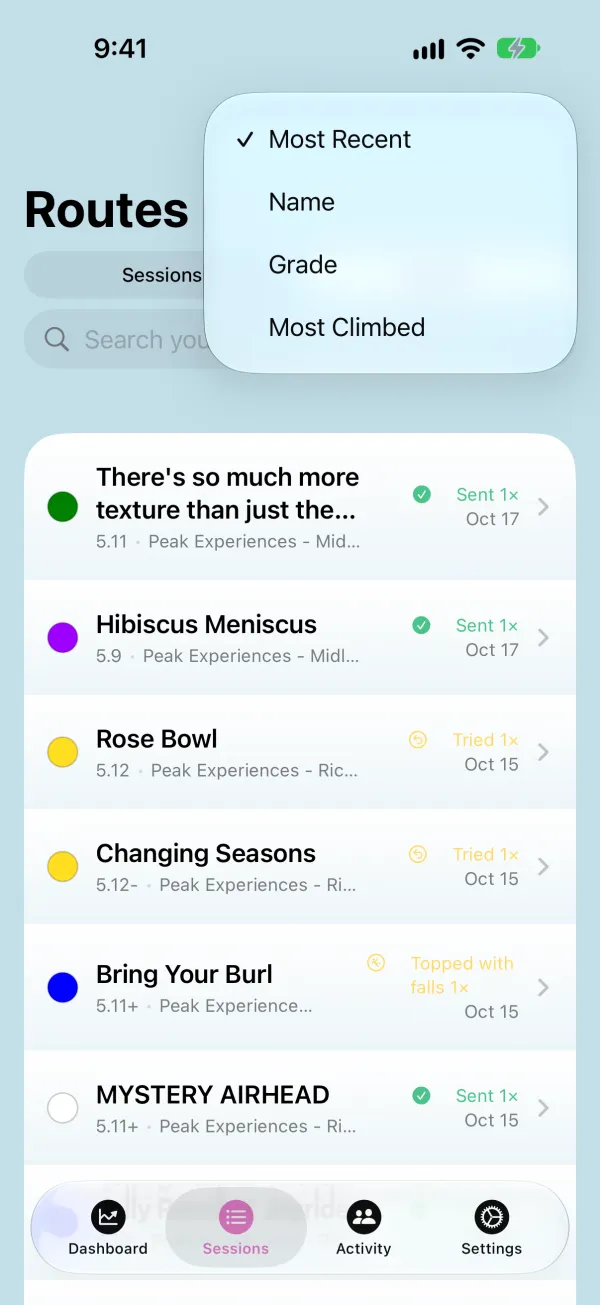
Type in the search field to find a route by name. Tap the sort button to order the list by Most Recent, Name, Grade, or Most Climbed.
3
See a Route's History
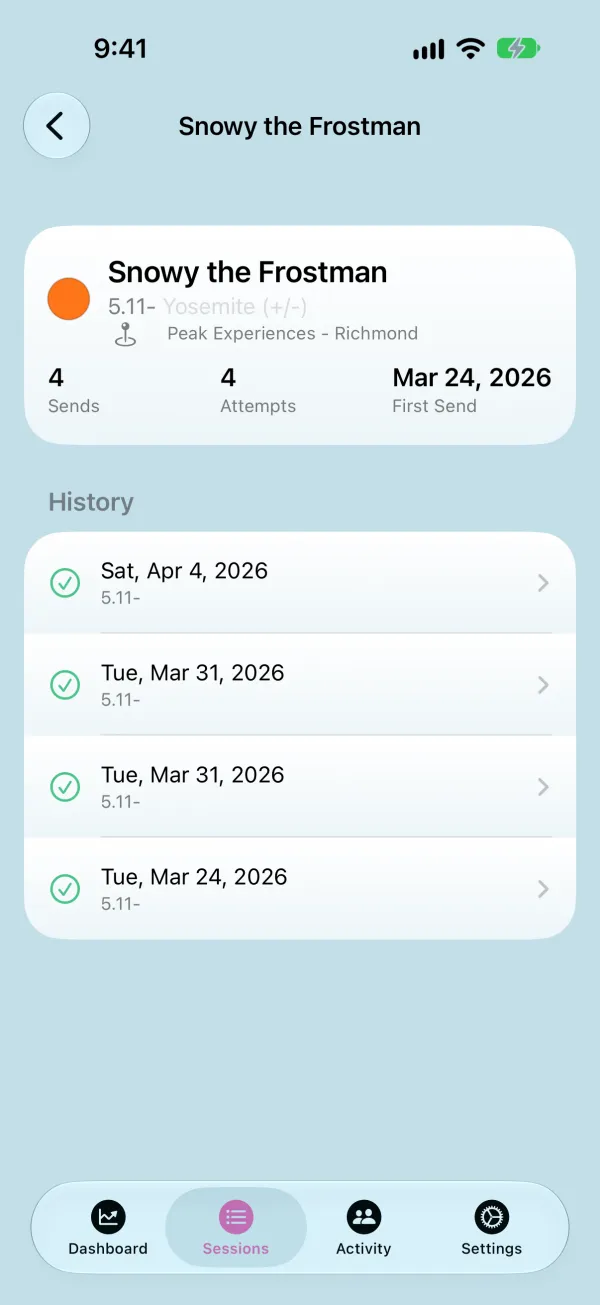
Tap a route to see every time you climbed it and how each one went. Tap one to open that session.