Setting Up Your Account & Profile
Sign in, pick a username, and add friends so you can follow each other's sessions.
Step by Step
1
Download Big Sendies
Install Big Sendies from the App Store on your iPhone. The Apple Watch app comes with it — if it doesn't appear on your watch, install it from the Watch app on your iPhone.
2
Sign In
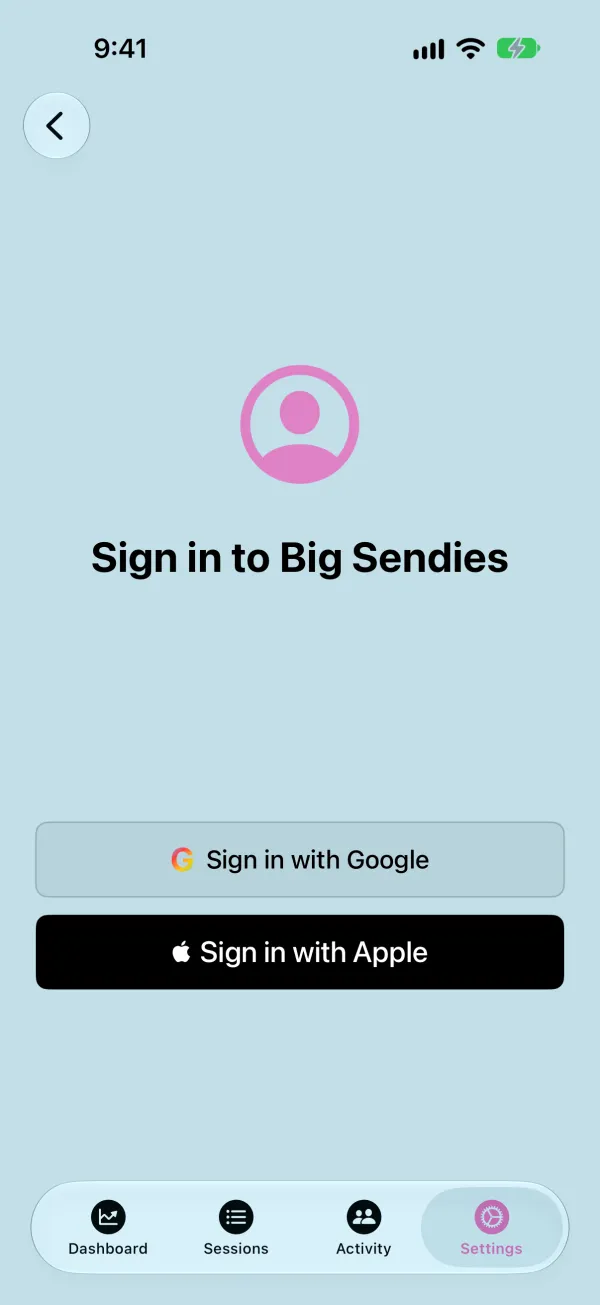
Open the Settings tab and tap Sign In, then choose Sign in with Apple or Sign in with Google. Signing in saves your sessions to your account and unlocks friends and gym and route search.
3
Choose a Username
The first time you sign in, pick a display name and a unique @username. Friends use your username to find you.
4
Edit Your Profile
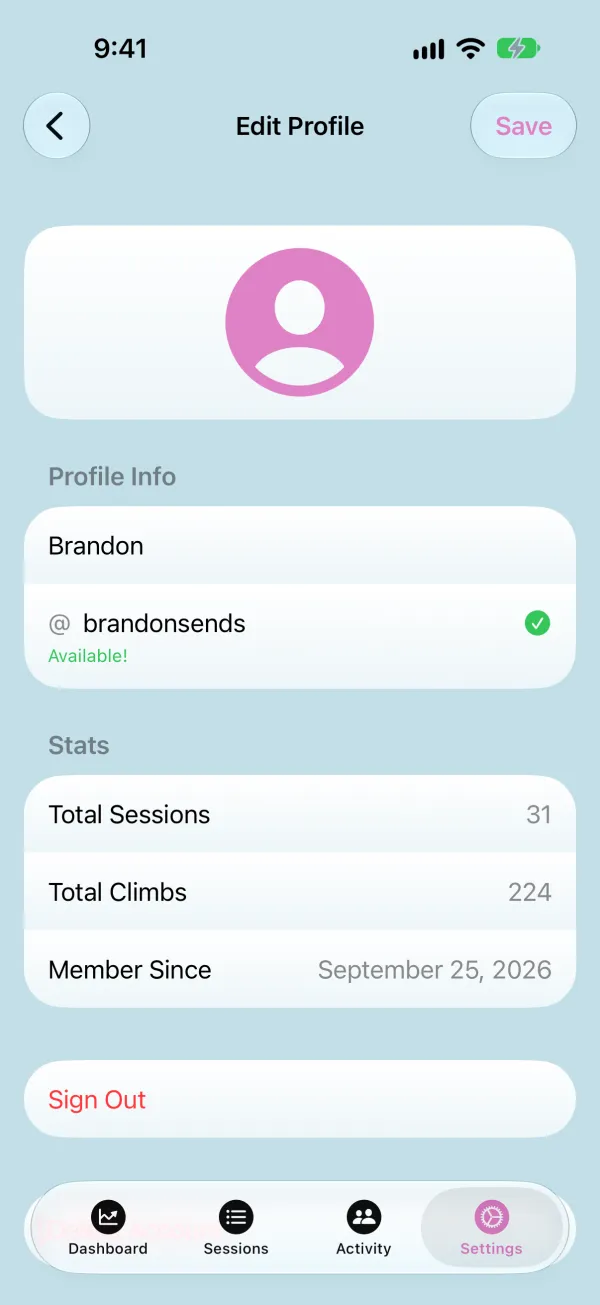
Tap your name at the top of Settings to change your photo, display name, or username. Your profile also shows your total sessions and climbs.
5
Add Friends
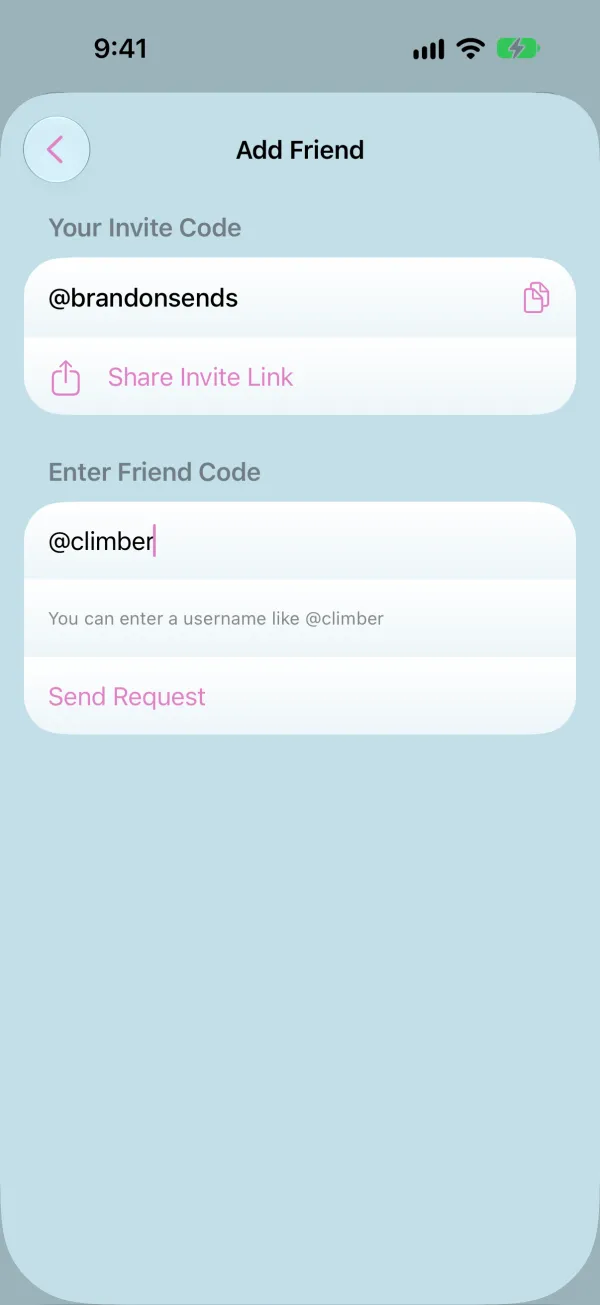
In Settings, tap Friends, then the add friend button. Enter a friend's @username and tap Send Request — or share your own invite link so they can add you.
6
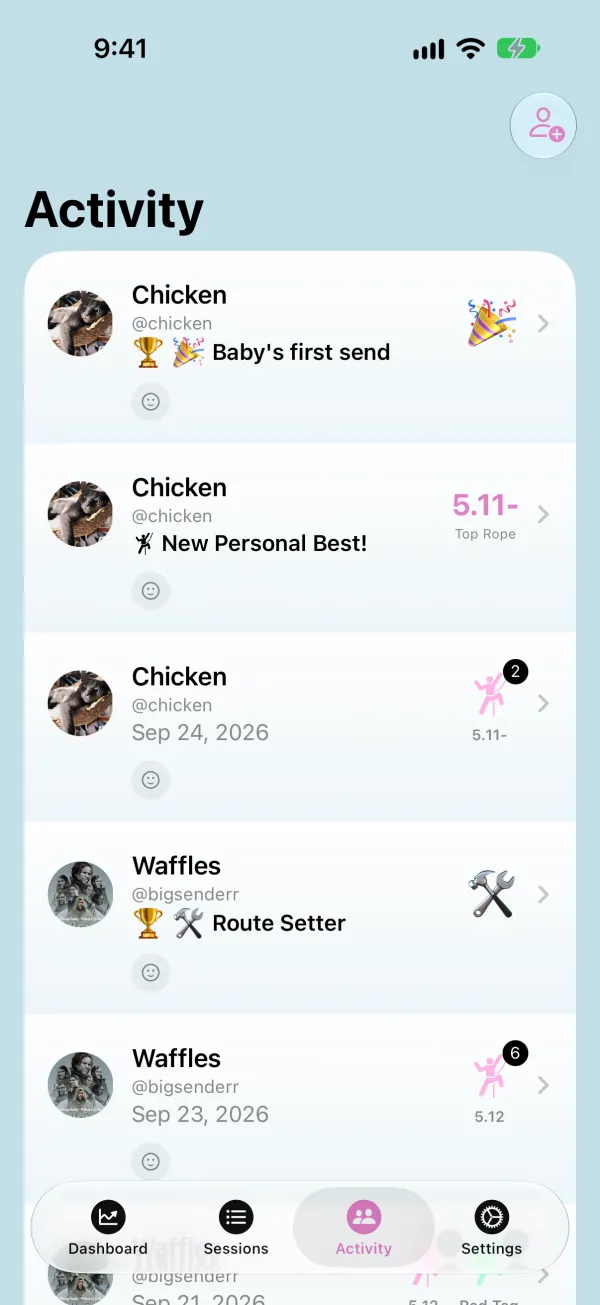
Follow Your Crew
Once a friend accepts, their sessions, new personal bests, and achievements show up in the Activity tab, where you can react to their sends.